How to give feedback on a student's work
Write to a student
- Open the class, then the task.
- Press Feedback beside a student who has answered.
- Under About, choose Whole task or one of their questions, type, and press Send.
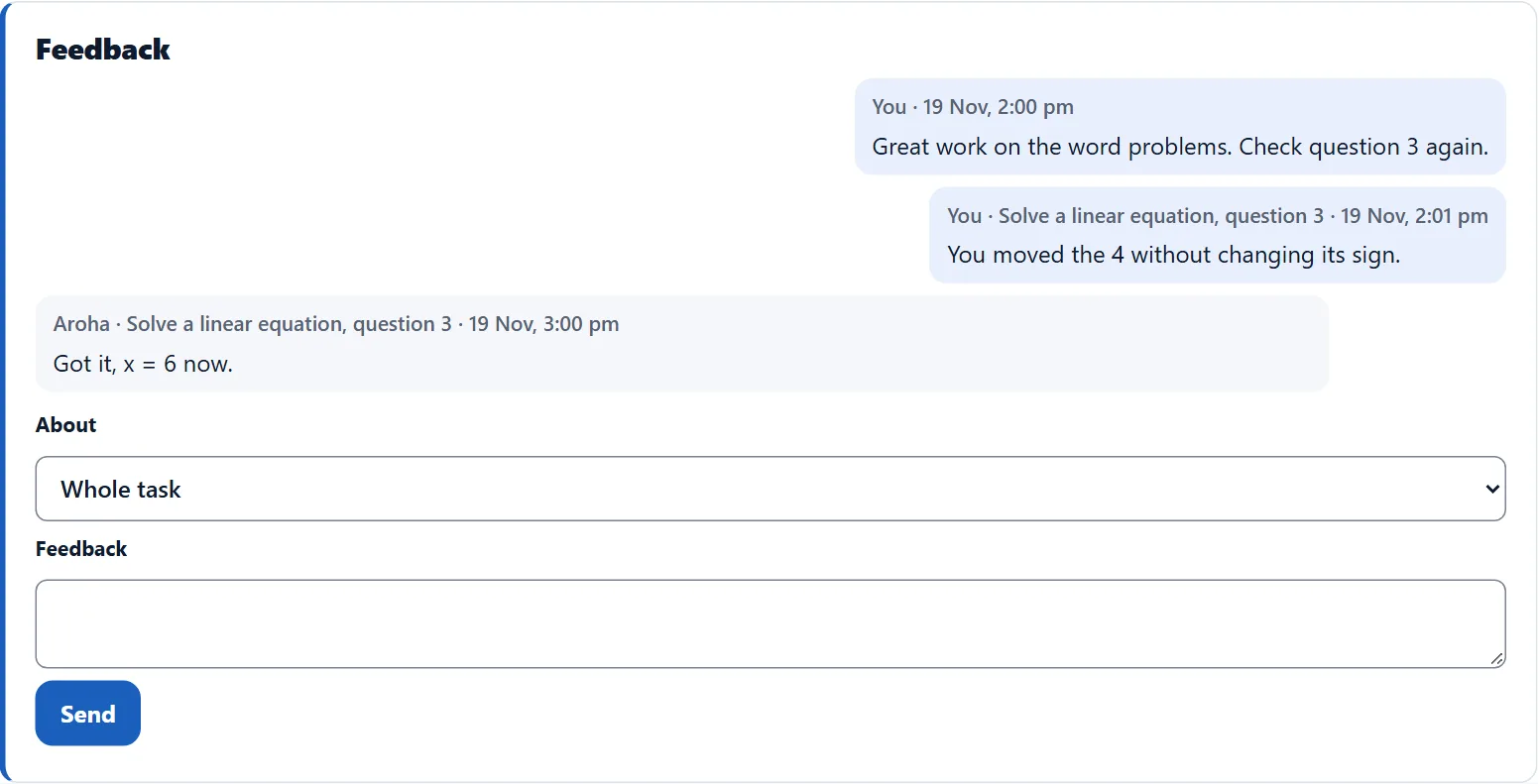
The student replies
- The student sees New feedback on the task and can reply.
- Only you and that student see the thread.
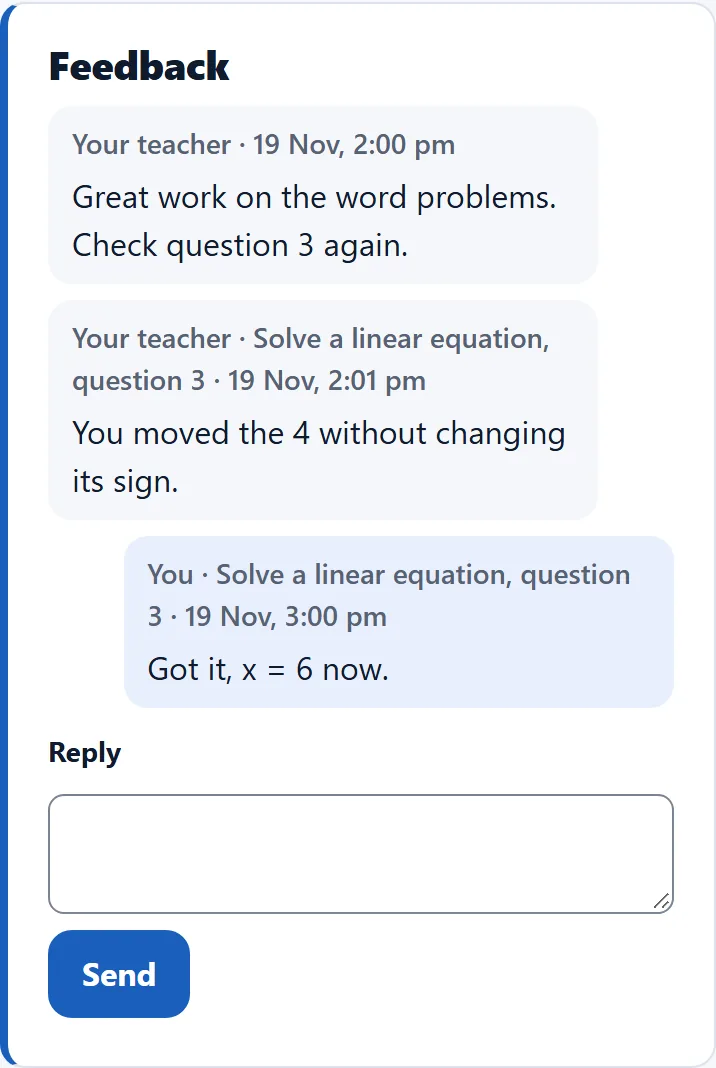
Replies to read
- Your classes shows how many threads have a reply you have not read, with a link to each.