How to set an NCEA practice paper as a task
Find a paper
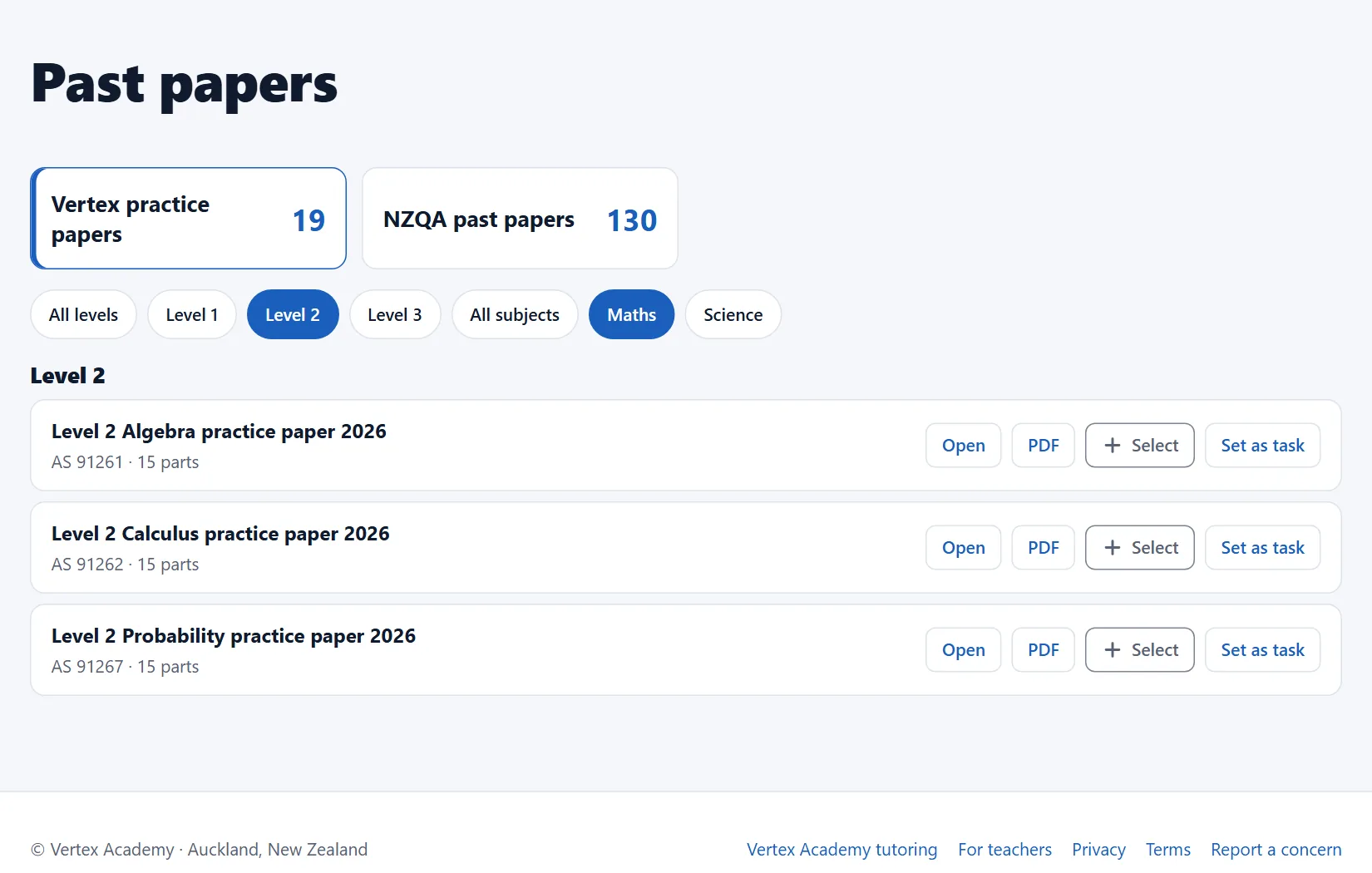
- Open vertexacademy.co.nz/papers. Vertex practice papers and NZQA past papers each have a card. Filter by level and subject.
- NZQA papers open on NZQA's website.
Set it
- Signed in as a teacher, press Set as task on a Vertex paper, pick the class and press Open task.
- Or press Select to add it to a task with other items.
- In the task form, untick any parts you do not want.
Students check their own
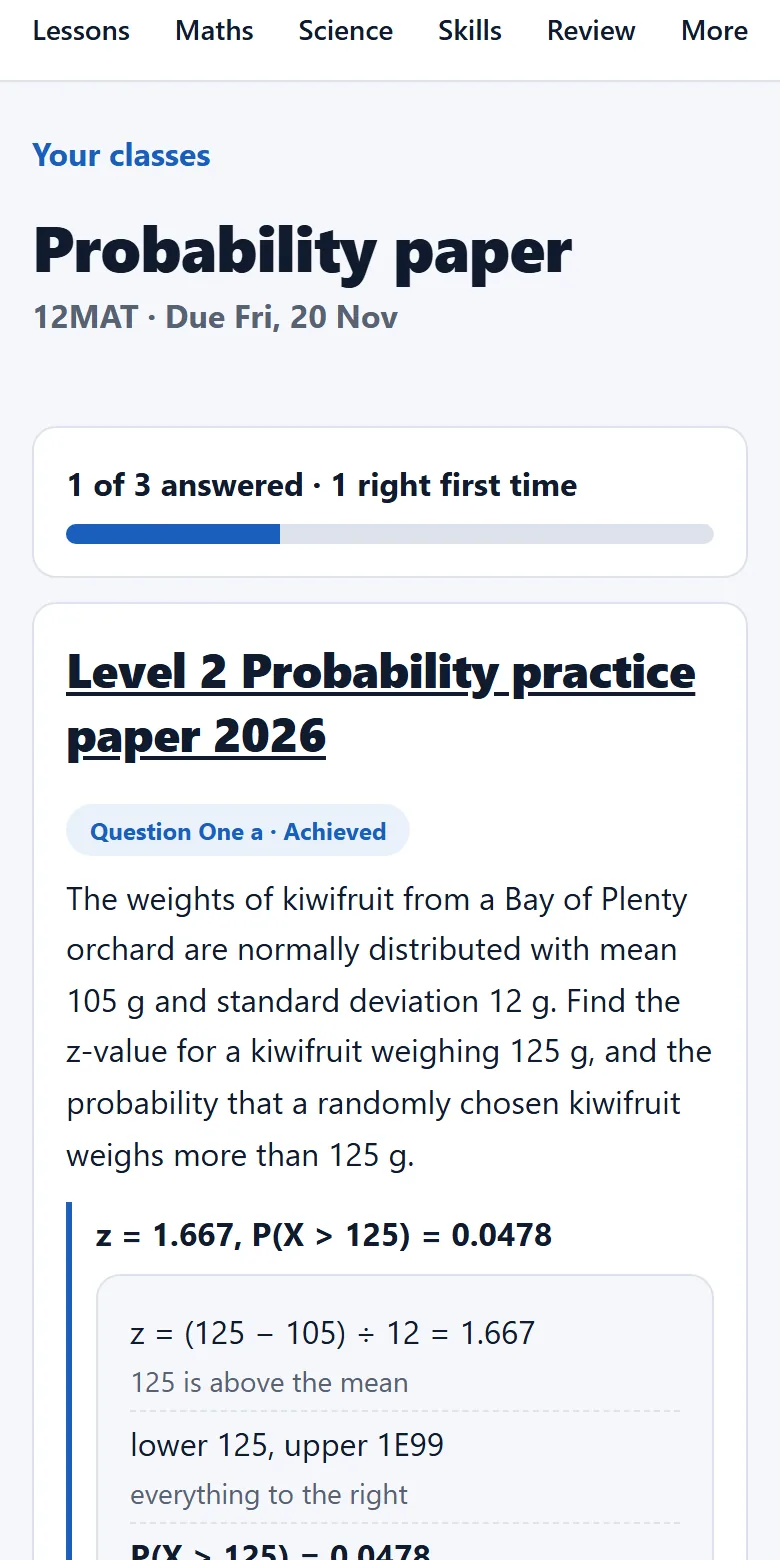
- Students write an answer to each part and press Check.
- They see our answer and working, then press I got it or Not yet. That is what your report and marksheet show.
- Because students mark it themselves, a paper task cannot be a Test.